Minecraft Classic in your browser: what is build 0.0.23a_01?
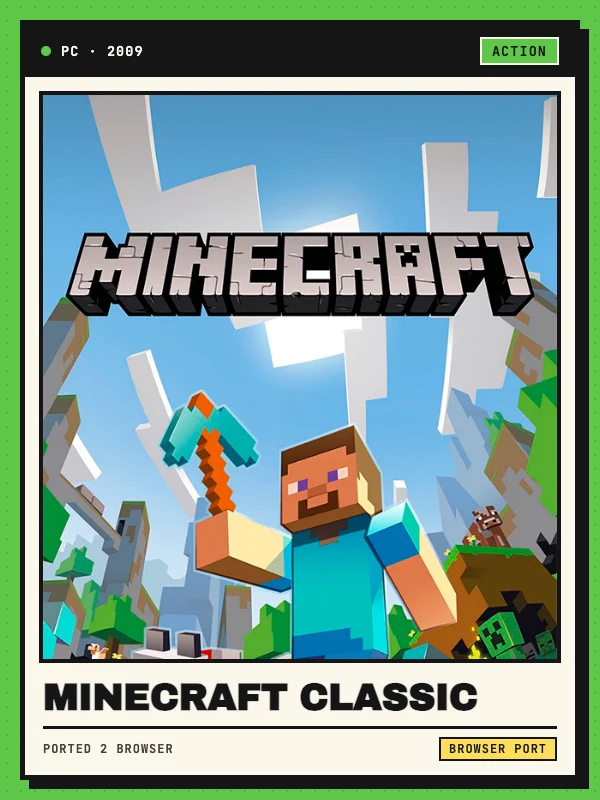
Minecraft Classic is the early creative sandbox phase of Minecraft originally released in May 2009. To celebrate the game’s 10th anniversary in May 2019, Mojang Studios launched an official Minecraft Classic browser remake at classic.minecraft.net that faithfully recreates build 0.0.23a_01 in JavaScript and WebGL using Babylon.js and noa-engine.
Because build 0.0.23a_01 predates Survival mode, crafting tables, hunger, and hostile mobs, the experience focuses purely on retro creative building. Players start on a generated island with unlimited access to 32 classic blocks—including stone, cobblestone, dirt, wood planks, logs, leaves, glass, sponge, gold, saplings, flowers, mushrooms, and 16 classic wool colors—complete with original 2009 lighting, water propagation, and physics quirks. No account sign-in or external game files are required.
Keyboard and mouse controls (WASD, B, G, F and location hotkeys)
Movement uses W, A, S, D with Space to jump. Unlike modern Minecraft, mouse buttons in build 0.0.23a_01 use a toggle system: Left-click performs the primary action (mine or place), while Right-click toggles between breaking mode and placing mode (indicated by the selected 3D block preview in the top-right corner). Middle-click picks the targeted block into your active slot, and number keys 1–9 or the mouse scroll wheel select hotbar slots.
Press B to open the "Select block" inventory palette and swap any of the 32 blocks into your hotbar. Pressing G spawns a wandering classic Steve mob at your position, while F cycles fog and render distance across FAR, NORMAL, SHORT, and TINY. Press Enter to save your current position as a checkpoint and R to teleport back to that saved location. In multiplayer sessions, T opens text chat. Key bindings for movement, jump, build, chat, fog, and location save/load can be rebound in Escape → Options... → Controls....
Multiplayer invite links, world sizes and local saves
When you launch classic.minecraft.net in a browser with WebRTC enabled, you act as the session host and receive a shareable invite link (?join=...) that lets up to 9 friends join your world (up to 10 players total). You can also copy the invite link later from the Escape pause menu and choose a custom display name before entering the world.
Opening Escape → Generate new level... lets you replace the current island with a Small (128×128), Normal (256×256), or Huge (512×512) map with a 64-block vertical height limit. Single-player world seeds and placed or broken blocks are automatically saved in your browser’s localStorage under savedGame, so your island persists across reloads until you generate a new level or clear site data.
Desktop browser, WebGL and WebRTC requirements
Minecraft Classic requires a desktop computer with a physical keyboard, mouse pointer-lock support, and hardware-accelerated WebGL in current versions of Chrome, Edge, Firefox, or Safari. Opening classic.minecraft.net on smartphones or tablets displays an official "This version of Minecraft requires a keyboard" screen and prevents touch play.
Peer-to-peer multiplayer relies on WebRTC; if your browser or network firewall blocks WebRTC connections, the client automatically falls back to single-player mode. From Escape → Options..., you can toggle background music and sound effects, invert mouse look, cycle render distance for smoother performance, and enable the top-left FPS and chunk-update counter.