2006

Racing
ABOUT THE DIRECTORY
Ported 2 Browser is a directory for finding familiar games and the projects that bring them to the web. Explore shooters, platformers, racing games, role-playing adventures, and strategy projects from one starting point. Ported 2 Browser connects that discovery with practical information: where a project runs, which controls it uses, and whether you need original game files. Start with a favorite title or browse an unfamiliar platform. Each game page on Ported 2 Browser helps you understand the available route before opening the external project.
Looking for a quick break or a longer campaign? Ported 2 Browser gives you several ways to narrow the choice. The shelves above highlight new additions and editorial picks, while platform and genre links lead toward more specific interests. Use Ported 2 Browser to compare the preparation behind a familiar name, rather than assuming every browser version offers the same experience. A playable demonstration, an engine recreation, and a multiplayer client can suit different plans. Ported 2 Browser keeps those distinctions close to the games you are exploring.
The platform directory on Ported 2 Browser groups games by their original systems, helping you rediscover the kind of library you remember. Explore PC projects, console favorites, or handheld games, then check the individual entry for its browser destination. Platform labels on Ported 2 Browser describe catalog categories; they do not mean that every project uses the same engine or supports the same devices. A game associated with a console may arrive through a port, a recreation, or another documented approach. The project notes explain the relevant details when available.
Genre browsing gives Ported 2 Browser another useful starting point. Choose an RPG when you want an adventure, a puzzle when you prefer a smaller challenge, or a racer when you want to compare short sessions. Ported 2 Browser also offers tags for touch input, gamepads, multiplayer, demonstrations, and projects requiring your own files. Combine those clues with the game description to decide what fits today. The counts on Ported 2 Browser reflect published listings, so the directory grows through reviewed additions without exposing pending submissions as finished recommendations.
A browser port adapts a game or engine to run within a web environment. Ported 2 Browser also includes related projects whose approach needs a different explanation. An engine recreation implements compatible behavior separately, while an emulator reproduces aspects of an original machine. Ported 2 Browser uses the documented project identity to describe those differences where the source supports them. Loading a familiar title in a tab does not prove that its implementation, included content, or multiplayer service matches another version. Read the specific listing before choosing a destination.
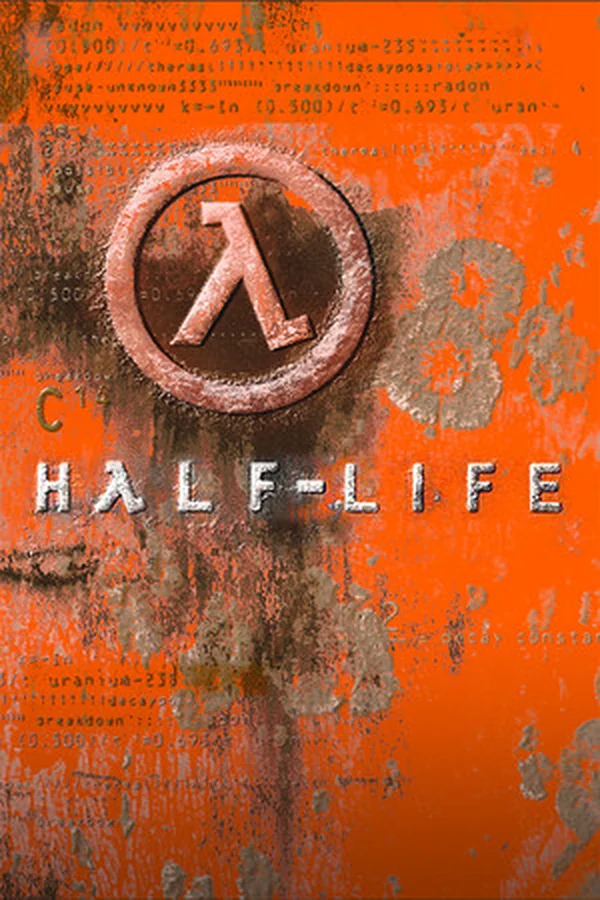
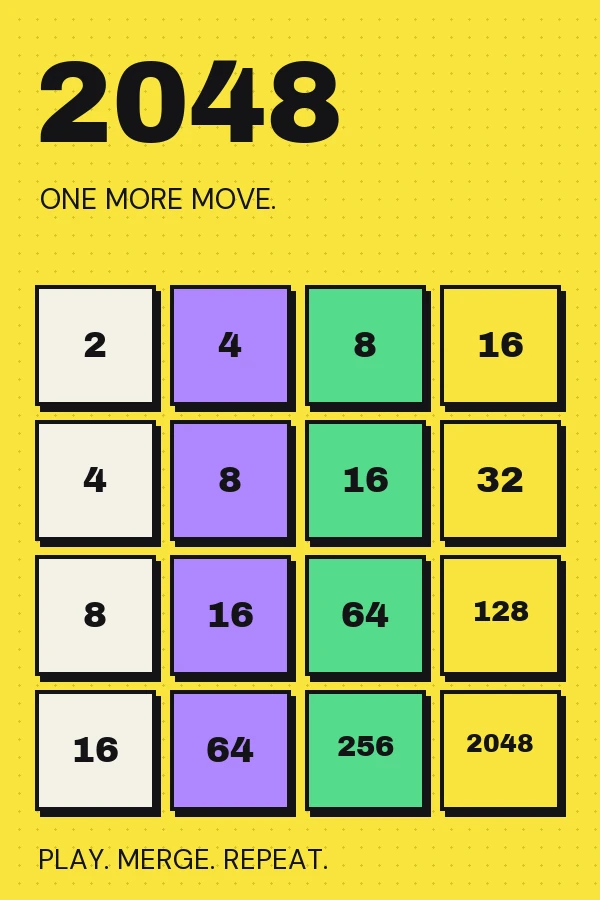
For example, Ported 2 Browser points Half-Life players toward WebXash and explains the need for compatible game data. A Doom demonstration has a different scope from a project intended for a longer campaign. Ported 2 Browser includes the original 2048 as a clearly identified browser-native companion, rather than presenting it as a desktop port. These examples show why project details matter alongside recognizable cover art. When comparing entries on Ported 2 Browser, look at the named destination, preparation notes, and documented controls together; a familiar name alone cannot describe the whole experience.
Before starting a game from Ported 2 Browser, check whether its project supplies a demonstration or expects files from a copy you own. A freely available engine does not automatically include commercial artwork, sound, maps, or campaign data. Ported 2 Browser brings that distinction into the listing so you can prepare the right edition and follow the project's instructions. Keep your original installation intact, and choose only the files requested by the destination. Use Ported 2 Browser as the discovery guide, then follow the current loader documentation for the actual setup.
Status labels on Ported 2 Browser help set expectations before you leave the directory. A demo describes limited scope; an own-files label describes a preparation requirement. An available entry identifies a public project route, while an unavailable label flags a known access issue. Ported 2 Browser does not continuously monitor every external service, so a destination can change after review. If a link opens but loading stops, identify whether the failure happened at the page, file selection, menu, or game stage. That detail makes a correction to Ported 2 Browser more useful to the next visitor.
Use the control information on Ported 2 Browser to match a project to your device. Keyboard and mouse may suit a shooter or management game, while touch or gamepad support can make another title easier to approach. Ported 2 Browser labels are a starting point for checking the actual experience, rather than a promise of identical behavior on every phone or laptop. Test movement, selection, and menus early. A game can load successfully while still needing a larger screen, pointer capture, or a different input method for comfortable play.
For longer sessions, pair your Ported 2 Browser discovery with a quick save test. Check whether progress stays in site storage, requires an account, or can be exported through the project interface. Clearing browser data can remove locally stored progress, so establish the backup route before investing hours. Multiplayer entries on Ported 2 Browser need a different check: confirm the current lobby, compatible client, and connection requirements with your group. The guides linked from Ported 2 Browser explain common setup questions, while each game page keeps its own project requirements together.
Return to Ported 2 Browser when you want to explore a different platform, revisit a favorite genre, or see newly added projects. New games are ordered by their publication in this directory; Trending and Hot are editorial selections. Ported 2 Browser uses those shelves to surface discoveries without claiming player counts or performance rankings. Open a card for the game's introduction, controls, and project links, then decide whether its current scope fits your plans. Bookmark the Ported 2 Browser entry if you want a convenient route back to those notes.
You can help Ported 2 Browser by submitting a missing game or reporting a changed requirement. Include the project name, actual play destination, official documentation when available, and a clear description of the change. Submissions to Ported 2 Browser enter a private review queue before publication. If you maintain a project, explain its file requirements and supported controls so the listing can represent it accurately. Specific corrections keep Ported 2 Browser useful for everyone searching for classic games on the web, from a first quick visit to a carefully prepared return to an old favorite.
Help the next player find it. Share a browser port with the collection.