What is Meccha Chameleon?
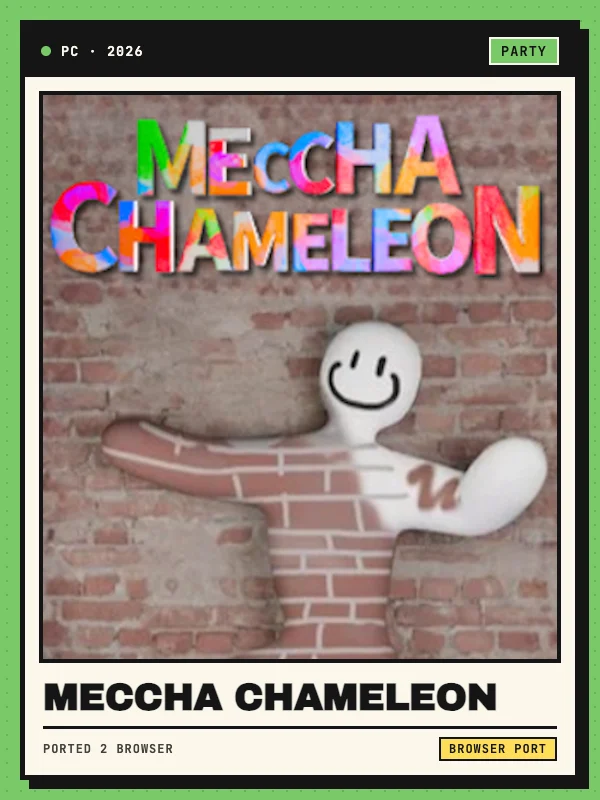
Meccha Chameleon is an online hide-and-seek game by lemorion_1224. Its camouflage mechanic lets hiders paint themselves to match the colors of a room while seekers try to spot them. The browser adaptation is credited to crax and hosted on wasm.rip. The underlying game and the browser adaptation have separate creators.
Open the hosted project using the button above. The web loader exposes resolution and graphics-quality settings before entering the game. This listing is based on reviewing the loader and project information, rather than a completed multiplayer session.
Keyboard, mouse and touchpad controls
Use a desktop keyboard and mouse and click within the game viewport to give it focus. The host says keyboard and mouse input works as on PC. Its touchpad hint says to hold Z for the middle mouse button; in paint mode, hold Z and move to turn the camera. Consult the game menu for the remaining movement and action bindings.
The loader offers a fullscreen button and mouse-capture status. Dedicated touchscreen controls have not been verified, so this entry is listed for desktop input.
Loading, graphics and game files
The launcher loads its build from the project host and presents no separate game-file upload field in the reviewed interface. Keep the tab open during the initial download. An updated browser with hardware acceleration is the sensible starting point for the 3D build.
If performance is poor, reduce the resolution or quality preset in the loader. It offers 540p through 1440p resolution choices, a frame-rate limit, audio controls and a reload option. The availability of online rooms depends on the hosted build and its services.