Wrath of the Lich King 3.3.5a running locally in WebAssembly—not a cloud stream
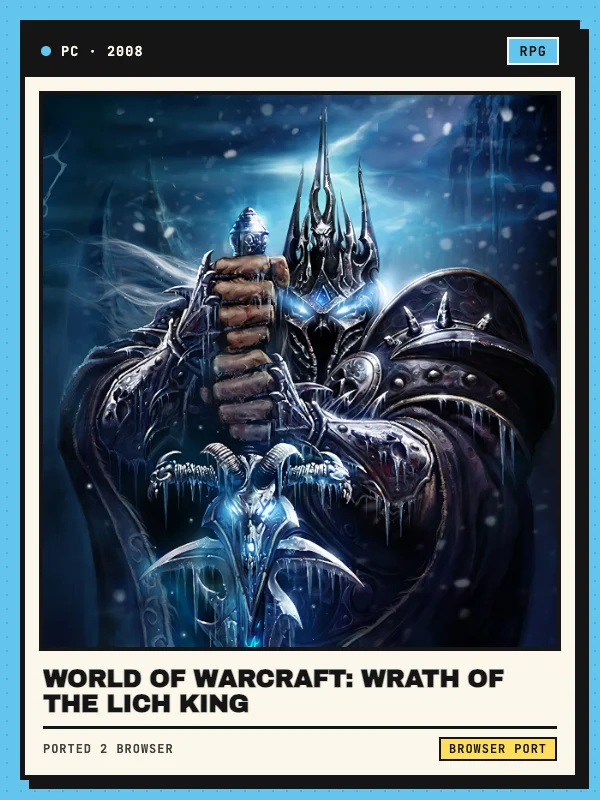
Originally released by Blizzard Entertainment in November 2008, World of Warcraft: Wrath of the Lich King expanded Azeroth northward to Northrend, introducing the Death Knight hero class and culminating in patch 3.3.5a (build 12340) with Icecrown Citadel and the Ruby Sanctum. This Wrath of the Lich King browser entry documents Lasthavens (lasthavens.com), an unofficial community project that compiles the 3.3.5a client to WebAssembly (Wow.wasm) so rendering, UI frames, and input run directly on your device instead of streaming compressed video from a remote GPU.
Lasthavens is an independent fan realm unaffiliated with or endorsed by Blizzard Entertainment, and it does not connect to official Battle.net accounts, characters, or Classic servers. Ported 2 Browser links to the external project for informational discovery and does not host or distribute the game client or commercial Warcraft assets. Players looking for shorter standalone Warcraft fan spin-offs can also browse our WoW Browser Games collection featuring Azeroth Survivors and Arena of Champions.
PC mouse-and-keyboard action bars, macros, AddOn Library & mobile touch UI
On Windows, macOS, Linux, and Chromebooks, the client preserves standard 3.3.5a MMO controls: move with WASD or by holding both mouse buttons together, hold Right Click to turn your character with the camera, press Space to jump, Tab to target the nearest enemy, 1–0 (plus Shift/Ctrl/Alt modifiers) for action bars, B for bags, C for character gear, M for the map, L for quests, N for talents, and Alt+Enter for fullscreen. Native /macro scripts work as expected, and an AddOn Library button on the character selection screen lets you enable curated 3.3.5a addons without managing local Interface folders.
On phones and tablets held sideways in landscape (iPhone and iPad in Safari on iOS 17+, or Android in Chrome), Lasthavens builds a touch overlay out of the client’s own UI buttons—pairing a virtual left movement stick with a thumb-reachable spell arc on the right and direct tap-to-target. Adding the site to your Home Screen unlocks fullscreen mobile play, while iPad players pairing a Bluetooth keyboard and mouse can disable the touch overlay inside Interface Options.
Browser setup, ~50 MB initial download and zone caching
Open lasthavens.com/play in a recent version of Chrome, Edge, or Firefox on desktop (including Apple Silicon Macs and Chromebooks without Linux or Wine setup), or Safari 17+ / Chrome on mobile. Keep cookies and local site storage enabled, as the /play gate sets a session cookie before fetching Wow.js and Wow.wasm. Your first visit downloads roughly 50 MB to reach the Dragonblight login screen, then streams continent terrain, audio, and dungeon models dynamically as you explore and caches them in the browser so repeat logins start much faster.
If loading stalls or frame rates dip in crowded hubs like Dalaran on integrated graphics, allow ongoing zone transfers to finish before refreshing, close memory-heavy background tabs, and lower view distance and shadow quality in Video Options (an optional standalone Windows app is also linked on the project site for custom local addons). On 18 November 2026 we verified the landing page, realm status check, device guides, and /play loader; sustained leveling, PvP latency, and 10/25-player raids are not guaranteed.
Free realm account, 2× XP PvP persistence and local UI settings
Click Create Account directly on the in-game login screen to register a free Lasthavens username and password—an email address is optional, and because this is an unofficial third-party server, you should always pick a unique password never used on Battle.net or personal accounts.
Lasthavens operates a single persistent PvP realm with 2× experience rates from quests, exploration, and creature kills. Because characters, inventory, mounts, and guild rosters live on the realm server, your heroes carry over seamlessly between PC, Mac, Chromebook, and mobile; however, video preferences, keybindings, macros, and AddOn toggles are saved per browser profile, so clearing browser site data resets your local UI layout.