Polyphony Digital’s PlayStation 2 driving simulator on WebGPU
First launched in December 2004 on PlayStation 2, Polyphony Digital’s Gran Turismo 4 set a high-water mark for console driving sims with over 700 cars, real-world tracks including the Nürburgring Nordschleife and Circuit de la Sarthe, B-Spec race direction, and deep suspension tuning. This Gran Turismo 4 browser page documents Slayoner’s unofficial web adaptation of the NTSC (USA, English) edition powered by snuri00’s MIT-licensed PS2 Web Recomp over WebAssembly and WebGPU.
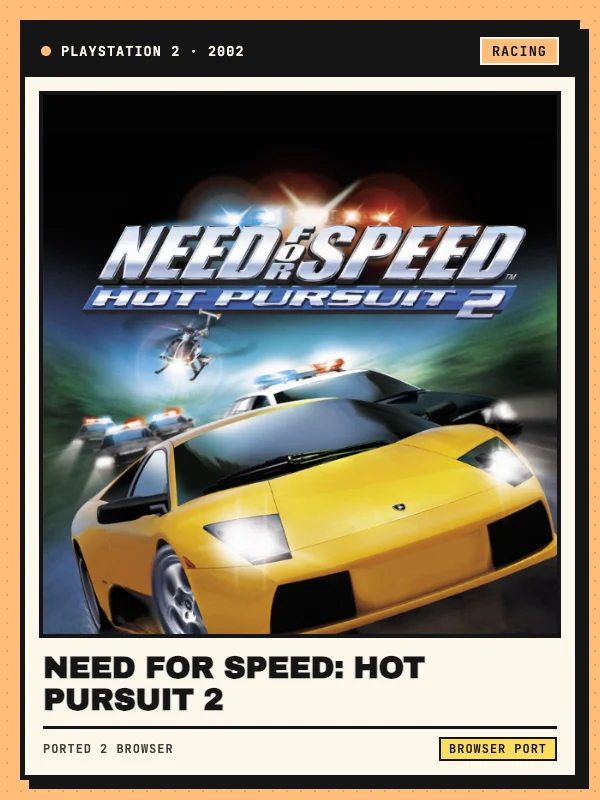
The project is an independent community build unaffiliated with Sony Interactive Entertainment or Polyphony Digital. Ported 2 Browser lists the external destination for informational discovery and does not host or distribute game binaries or commercial assets. Circuit racing fans can also compare Formula One 06 and Need for Speed: Hot Pursuit 2.
Progressive 50% throttle/brake keyboard keys and analog trigger presets
Wait until the launcher finishes engine initialization and switches to Ready to play, then click inside the race image to capture input. Unlike generic PS2 keyboard bindings, Gran Turismo 4 uses a driving-focused default layout: Left and Right Arrows steer, Up and Down Arrows navigate menus, Z accelerates (Cross / confirm), A brakes (Square), X maps to Circle, and S maps to Triangle. Crucially for digital keyboards, C applies 50% gentle throttle and D applies 50% gentle brake so you can modulate high-powered rear-wheel-drive cars through corners without spinning. Shoulder and system keys use Q/W (L1/R1), 1/2 (L2/R2), E/R (L3/R3), I/K/J/L (right stick), T/G/F/H (D-pad), Enter (Start), and Backspace (Select).
For USB or Bluetooth controllers, the launcher defaults to a Driving: pressure-sensitive triggers preset that maps right trigger to analog Cross throttle and left trigger to analog Square braking (with LB/RB as L2/R2), alongside a Classic PS2 preset, button-swap toggles, and stick inversion. Mobile touch controls are also documented.
WebGPU browser setup, engine preparation and resolution scaling
The launcher requires WebGPU and lists support for updated Chrome or Edge on desktop, Chrome on Android, and Safari on iOS 18 or later. When the page first opens, the Play and Play online buttons stay disabled while Preparing the engine completes; wait until Ready to play appears before clicking.
Start at 1× original internal resolution to keep steering and braking input crisp before trying 2× or 3× scaling (restarting applies changes) or toggling Smooth image. On 23 November 2026 we verified the launcher UI, custom GT4 control layout, gamepad presets, and save tools on desktop Chrome; sustained multi-lap races and mobile frame rates have not been independently tested here.
Skip-intro memory-card startup, .ps2 exports and 2 Player Battle
According to the host’s notes, the virtual PlayStation 2 memory card ships with initial save data so the game skips the opening intro straight to Arcade or GT Mode, and Gran Turismo 4 autosaves progress locally in your browser. Open the Saves tab to protect browser storage or export and import PCSX2-compatible .ps2 card backups before clearing site data.
Experimental two-player online split-screen rooms use a separate blank memory card. After joining a private room code, the host drives the menus to choose 2 Player Battle, circuit, and cars so each player races their own half of the split screen.