Current GTA San Andreas browser version and port status
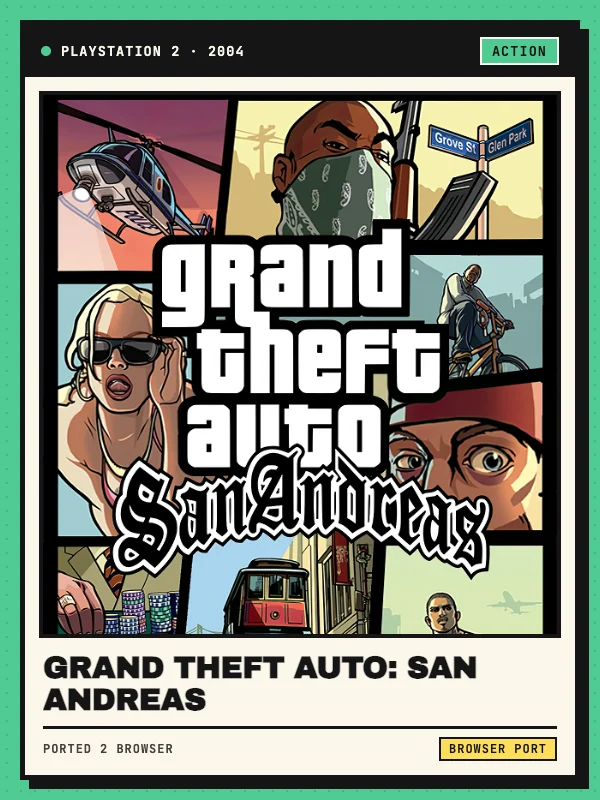
Grand Theft Auto: San Andreas is Rockstar North’s 2004 open-world action-adventure game set across the fictional state of San Andreas, spanning Los Santos, San Fierro and Las Venturas. Unlike Grand Theft Auto III and Vice City, which have established WebAssembly source ports built from community reverse-engineering projects, a stable full-campaign WebAssembly port of San Andreas is not yet widely hosted in public browsers.
The GTA San Andreas browser entry linked above currently runs a lightweight Unity WebGL third-person city crime and driving adaptation (built on Y8 Studio’s Criminal WebGL package) rather than the original 2004 RenderWare campaign. It lets you roam a 3D city block, drive vehicles and test third-person action immediately in your browser without installing software. We have documented its actual scope here so players know what to expect, and we will update this listing as soon as a stable native WebAssembly engine port is released.
Keyboard and mouse controls
Click inside the Unity WebGL frame after loading to lock the cursor and enable camera rotation. Use W, A, S and D or the arrow keys to walk, steer vehicles and navigate streets. Move the mouse to look around and aim, and press the left mouse button to fire or attack.
Press F or Enter near a car to enter or exit the vehicle, Space to jump on foot or apply the handbrake while driving, and Left Shift to sprint. Press Escape at any time to release the mouse cursor from the browser canvas.
Browser requirements and file notes
This browser adaptation runs in modern desktop browsers such as Chrome, Edge and Firefox with WebGL hardware acceleration enabled. Because it streams a self-contained Unity WebGL build from the host page, no local installation or commercial game archive is required to start.
Allow a short wait on the first visit while the Unity loader downloads its WebGL data package. If a full native WebAssembly engine port of Grand Theft Auto: San Andreas is published in the future, any retail game-file requirements and local save instructions will be added to this section.