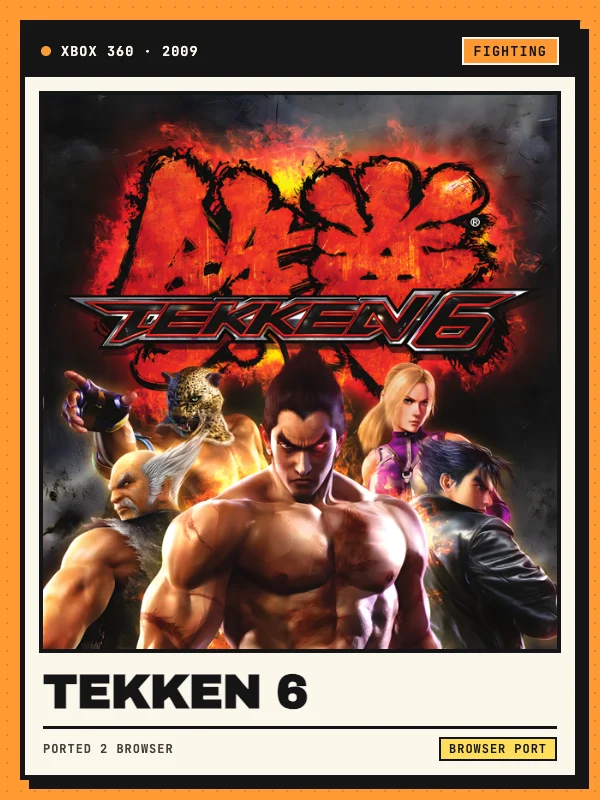
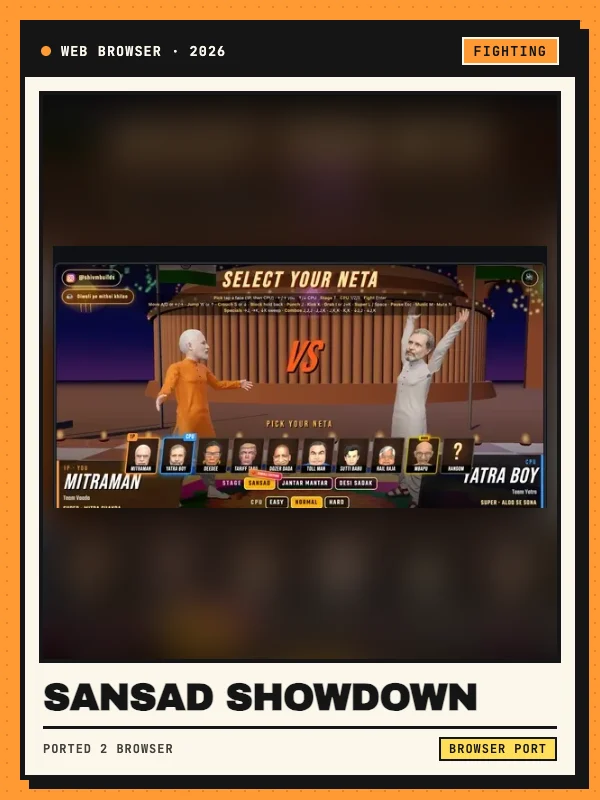
Tekken 6 for Xbox 360 in a browser
Tekken 6 is a 3D fighting game built around movement, four limb-specific attack buttons and character combos. This entry links to Slayoner’s unofficial browser adaptation of the 2009 Xbox 360 release. The project credits ReXGlue, based on Xenia, and runs its host client locally with WebAssembly and WebGPU. It is independent of Bandai Namco.
Open the project and press Play, then let the first download finish. The host recommends Offline Mode → Arcade Battle for a quick fight, or Scenario Campaign for the story mode. These routes are documented in the launcher; this directory has reviewed the interface but has not completed a fight or verified every mode.
Tekken 6 keyboard and gamepad controls
Click inside the game image to focus input. Arrow keys move, jump and crouch. A is left punch, S is right punch, Z is left kick and X is right kick. Z also confirms menu choices and X goes back. Enter maps to Start; Shift or Backspace maps to Back. The Controls panel lets you remap keys for the current browser.
Connect an Xbox or PlayStation controller by USB or Bluetooth before playing, then click the game and press a controller button. On an Xbox pad, X and Y are the punches, while A and B are the kicks. The host documents controller input; physical controller compatibility has not been independently tested here.
WebGPU, game files and local saves
The host requires an updated desktop Chrome or Edge browser with WebGPU and about 4 GB of free memory. It recommends a 64-bit PC with 8 GB RAM and currently excludes mobile devices and Safari. Close demanding applications if performance suffers. The graphics panel lists an original internal resolution of 1280×720.
The reviewed launcher supplies its hosted build without asking for a separate game-file upload. Initial loading still downloads data. Progress is stored on a virtual drive in the current browser; the host says reloading preserves it, while clearing site data removes it. Save persistence has not been tested by this directory.
Two-player rooms and streaming
In the Online panel, create a private room and share its invitation with a friend, or use Find opponent. The room creator runs the game and streams the session to the guest, who supplies player-two input from a keyboard or controller. Player one controls the menus. This is the web project’s room system, not a claim of compatibility with original Xbox online services.
The launcher limits rooms to two players and warns that its small community can make matchmaking slow or unsuccessful. Connection quality depends on both players and the room service. This directory has checked the instructions but has not completed an online match.