What is Pokémon Wonderful?
Pokémon Wonderful is a 2D Pokémon MMO built by fans. Wild battles happen in real time on the same map you explore, with moves that use SP and have cooldowns. The adventure starts in Kanto and continues in Johto. You can earn Gym badges, join parties and guilds, trade through the player market, or take on world bosses.
Pokémon Wonderful beginner guide
Open the game, pick a language and create an online account to save your progress across devices. Follow the story in Pallet Town to choose Bulbasaur, Charmander or Squirtle from Professor Oak. Once you create your character, the account keeps that adventure, so take your time choosing a starter.
Try a wild battle before heading for your first Gym. Weaken the wild Pokémon before throwing a Poké Ball, and use the badges you earn to raise your team’s level cap and unlock features such as trading.
Desktop and mobile controls
On a keyboard, move with WASD or the arrow keys, hold Shift to run and press Space to interact. Use 1–4 for moves, B to throw a Poké Ball and Y to open the world map. On a phone, drag on the left side of the screen to move and use the on-screen action and move buttons. You can also connect a controller and check its bindings in Settings.
Pokémon Wonderful Wiki and world map
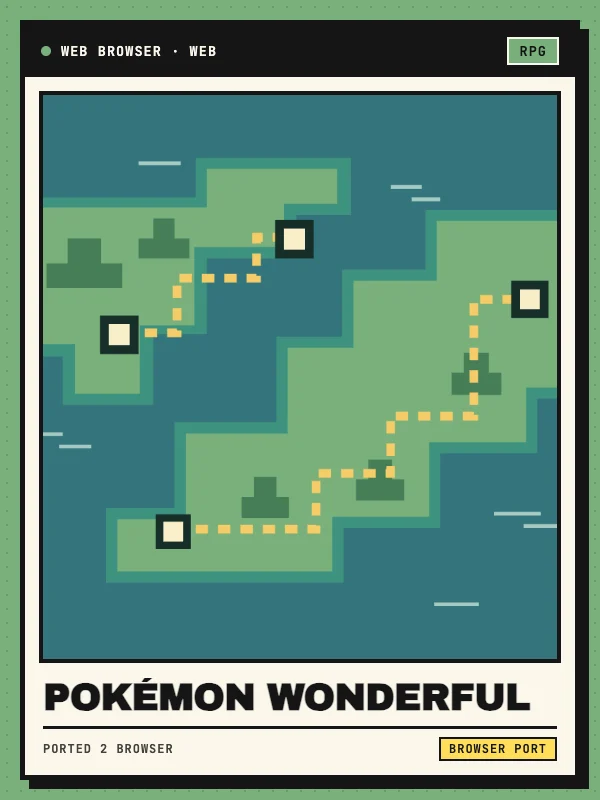
Open Project docs to visit the Pokémon Wonderful Wiki. Start with the world map to see which Pokémon appear on a route and their levels. Use the Pokédex for evolution requirements and moves, or check Gyms & League for badge order and the minimum level for each challenge.