Full PlayStation 2 campaign via PIXR vs. Unity WebGL sandbox demo
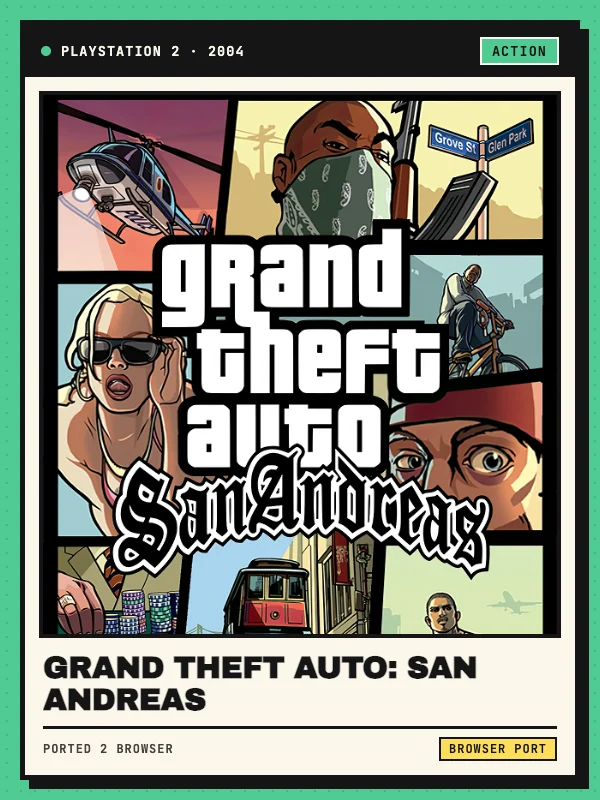
This GTA San Andreas browser listing now opens with PIXR’s full PlayStation 2 build at pixr.dev/gta/gtasa/, powered by TabStationToo (PCSX2 compiled to WebAssembly). Instead of a small tribute map, it boots Rockstar North’s actual 2004 release—following Carl “CJ” Johnson’s return to Grove Street across Los Santos, San Fierro, the surrounding countryside, and Las Venturas. Players exploring earlier 3D-era Rockstar classics can also check our Grand Theft Auto: Vice City browser ports.
We still list the older Hoop Land link second under the Demo tag for transparency: that entry runs a lightweight Unity WebGL city sandbox (Y8 Studio’s Criminal) for low-spec machines, whereas the primary PIXR button launches the genuine PS2 campaign.
PS2 keyboard bindings, controllers, and Picture scaling
Click inside the PS2 viewport after boot to capture keyboard focus (press Escape to release the cursor, or Tab to open PIXR’s pause drawer). Default PS2 keyboard controls use W, A, S, and D for the left analog stick (walk and steer), T, F, G, and H for the right camera stick, and Arrow keys for the D-pad. Face actions map K to Cross (sprint, accelerate, confirm), L to Circle (fire/attack, back), J to Square (jump, brake/reverse), and I to Triangle (enter or exit vehicles), with Q/E for L1/R1, 1/3 for L2/R2, 2/4 for L3/R3, Enter for Start, and Backspace for Select.
USB and Bluetooth gamepads (Xbox, PlayStation, Switch) plus mobile touch sticks are supported automatically. Under Menu (Tab) → Picture, switch scaling from Crop to Fit if widescreen edges look trimmed on narrower windows, and step Quality down from Ultra (4×) to Classic (2×) or Economy (1×) on integrated GPUs.
Streaming startup, quick states, and .ps2 memory card saves
Clicking Play initializes the TabStationToo WebAssembly runtime and streams world geometry, cutscenes, and radio audio on demand via HTTP range requests, taking roughly 30 to 40 seconds to reach the Rockstar North intro on desktop Chrome, Edge, or Firefox.
Press Tab in-game to use 8 local Quick state slots (Save state / Load state) or copy your virtual 8 MB PS2 memory card into 8 local Game save slots stored in browser IndexedDB—no PIXR sign-in is required for local saves, and standard .ps2 card files can be imported or exported from PIXR’s /gta/ Settings → Saves menu.