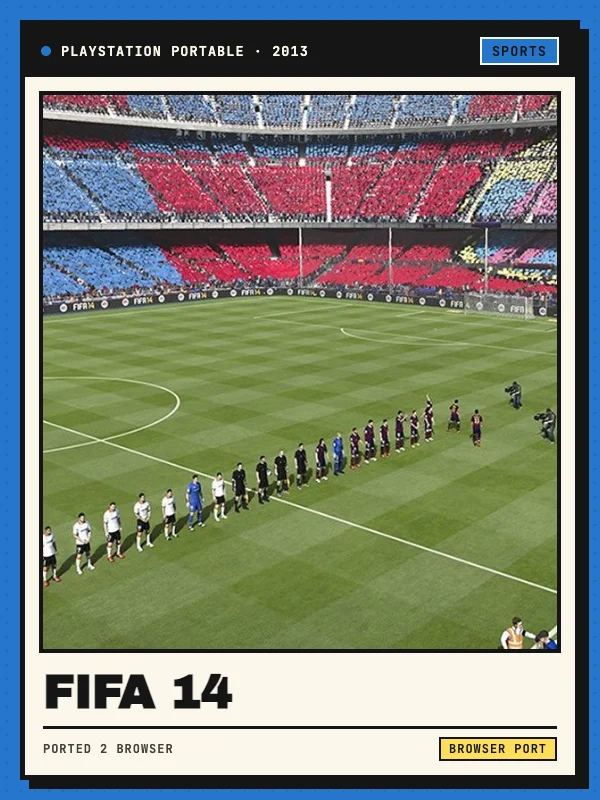
FIFA 14 for PSP in a browser
This browser project by Slayoner adapts the PlayStation Portable edition of EA Sports FIFA 14 using PSP Web Recomp. The reviewed launcher advertises automatic loading without installation and exposes graphics, controls, saves and online-room panels. It is an unofficial project independent of Electronic Arts.
Open the project, press Play and click within the game image when it appears. The host streams the build itself and does not ask for a separate game-file upload in the reviewed launcher. This directory has checked the interface and instructions but has not completed a match.
Keyboard and controller setup
Arrow keys map to the PSP directional pad and I, J, K and L map to its analog stick. Z, X, A and S correspond to Cross, Circle, Square and Triangle. Q and W map to L and R, Enter to Start and Shift to Select. The Controls panel lets you remap the keys.
For a USB or Bluetooth controller, connect it first, click inside the game image and press a controller button. Start with the original 1× resolution in the WebGL 2 graphics panel, then increase it only if the game remains smooth. Desktop instructions were reviewed; touchscreen play has not been verified.
Experimental Ad Hoc rooms and memory-card saves
For online play, one player creates a room and shares its code. Both players join that room, start the game and choose AD HOC from the in-game main menu. One creates a match with Square and the other selects it from the list. The host labels this experimental and limits rooms to two players.
Progress uses a virtual PSP memory card stored in the current browser. The Saves panel can export a backup and import it on another browser or computer. Save inside the game first, then export a backup before clearing site data. The room service and game-host availability can change independently.