Nickelodeon’s 2006 open-farm adventure via OpenBarnyard and WebAssembly
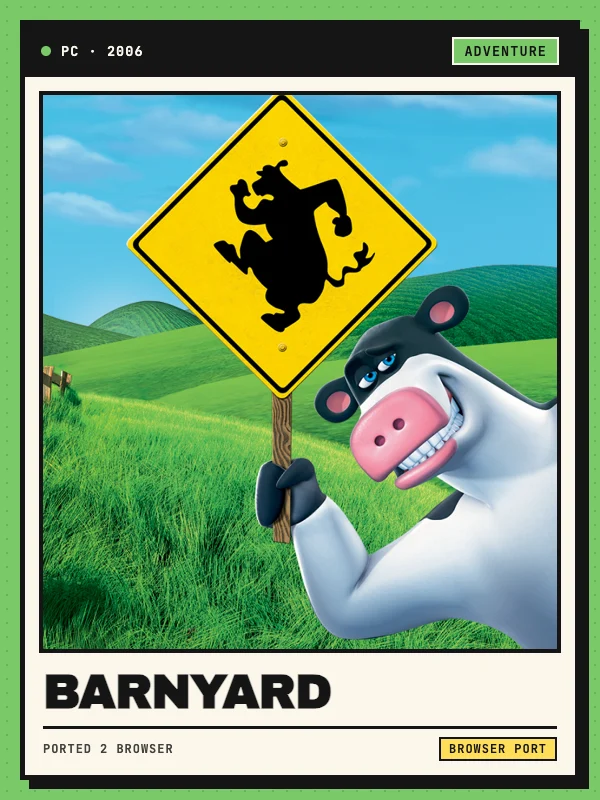
Developed by Blue Tongue Entertainment on the TOSHI 2.0 engine (now owned by THQ Nordic) and released in August 2006 alongside Nickelodeon’s animated film, Barnyard drops your custom cow into Oakhurst Farm—an open rural sandbox packed with bicycle stunts, barnyard golf, milk-squirting pranks, kitchen recipes, nocturnal barn parties, and coyote defense missions.
This Barnyard browser listing points to barnyardweb.pages.dev, an unofficial non-commercial port maintained by TaronJar that compiles AdventureT and InfiniteC0re’s OpenBarnyard Windows decompilation to WebAssembly via Emscripten on Cloudflare Pages. It is an independent community project unaffiliated with Nickelodeon, Blue Tongue Entertainment, or THQ Nordic, and Ported 2 Browser links to the external destination without hosting or distributing game executables or commercial assets.
PC keyboard & mouse, Xbox/PlayStation pads and editable touch buttons
On desktop, clicking the canvas locks the mouse pointer so moving the mouse steers the camera and in-game cursor (press Esc to release it). Standard PC bindings use WASD or Arrow keys to walk and run, Space to jump, Shift to sprint, F or Enter to talk and interact, and Right Mouse Button to aim milk bursts fired with Left Click. Hopping onto a bicycle switches W/S to pedal and brake, A/D to steer, Space to bunny-hop for tricks, Shift to boost, Z to ring the handlebar bell, C to center the camera, and I or Enter to dismount. Classic Tab-held PC cheat codes can also be injected cleanly from Settings → Cheats.
Standard USB and Bluetooth controllers connect automatically with a 0.15 stick deadzone, switching on-screen button prompts dynamically between Xbox and Sony PlayStation (DualShock / DualSense) icons. On phones and tablets held horizontally, touching the left half of the screen spawns a movement stick, dragging the right half turns the camera, and virtual A, B, X, Y, L, R, L2, R2, Start (II), and Select (<) buttons can be repositioned or resized under Settings → Edit touch buttons (use Share → Add to Home Screen on iPhone for fullscreen).
SharedArrayBuffer setup, ~1.7 GB OPFS data options and graphics settings
Because the multithreaded TOSHI 2.0 WebAssembly build shares memory across Web Workers via SharedArrayBuffer, open barnyardweb.pages.dev over HTTPS in a modern Chrome, Edge, Firefox, or Safari browser; if cross-origin isolation headers are not active on your first visit, its sw.js Service Worker registers and reloads the page once automatically.
Neither TaronJar/BarnyardWeb nor InfiniteC0re/OpenBarnyard bundles proprietary assets in GitHub source code. On the welcome card, click Choose Data folder to load the Data directory from your own Windows PC installation, or use Install game data to prepare the ~1.7 GB archive (data.tar + data.idx) inside your browser’s Origin Private File System (OPFS) for fast local streaming and offline starts. Open the top-left Settings gear (Graphics) to tune resolution (540p, 720p, 1080p, or Full), grass detail, draw distance, FPS cap, and low-latency audio. On 18 November 2026 we inspected the welcome loader, input bridge, and OPFS worker; full campaign progression is not guaranteed.
Isolated savegame storage and Export / Import backups
Farm progress and character saves are stored separately from the 1.7 GB OPFS game-data archive, so refreshing client files via Settings → Game data (Update client) or re-importing game data preserves existing saves. Because wiping browser site data still clears local storage, open Settings → Savegames and click Export saves periodically to download an external backup file that you can restore anytime via Import saves.