Instant streaming vs. bring-your-own-files offline play
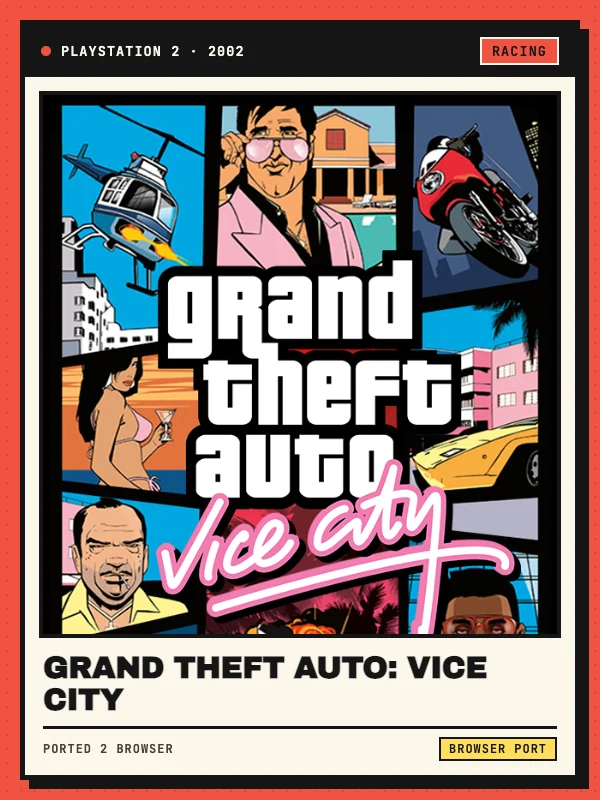
Rockstar North’s 2002 trip through 1986 Miami—following Tommy Vercetti from Ocean Beach hotels to Malibu Club heists and empire properties—runs in modern browsers thanks to community WebAssembly builds derived from the reVC / revcDOS reverse-engineering effort. Because our two Grand Theft Auto: Vice City browser entries work very differently on launch, pick the one that matches what you have on hand.
Choose Quenq’s Vice City Web Edition if you want instant play with zero file setup: its embedded vc.quenq.com runtime streams city geometry, radio and mission scripts dynamically as you drive. Choose joncodeofficial’s WASM Port if you already own the original PC release (Steam, Rockstar Games Launcher or retail discs) and want a zero-latency, ad-free build: drop your PC game folder or .zip onto its setup screen once, let it unpack (~668 MB) into your browser’s private OPFS storage via a Service Worker, optionally flip on the built-in cheats toggle and play even with Wi-Fi turned off.
Controls on foot, in cars, Frame Limiter tips and .b save files
Click inside the canvas to capture the mouse camera and unlock Web Audio. Standard PC bindings use WASD to move and steer, mouse to look and free-aim, Left Click to fire, F or Enter to hijack or exit cars and helicopters, Space to jump or pull handbrake turns, R to cycle 1980s radio stations and Escape for the map and display menu.
If boats feel sluggish on water or cars struggle to reverse during a mission, toggle the Frame Limiter in Display Setup—RenderWare’s original 2002 vehicle physics were tied to frame timing. Both ports support USB/Bluetooth controllers, landscape touch overlays and native .b save slot import/export between PC and browser.